Which AI video features need the internet? What 9 editors document
Almost no vendor tells you which AI features stop working when the wifi drops. So I read the published docs for nine editors and wrote down who says what.
The Delivvo team· July 17, 2026 12 min read
Here is the honest answer: almost nobody tells you. I went through the published documentation for nine video editors looking for a plain sentence about which AI features need an internet connection. Three of them say clearly. Two of those three bury it somewhere you would never look. The other six either say nothing at all, or said something in 2024 that their own next release made untrue.
This is a documentation review, not a lab test. I did not pull the ethernet cable on nine editors and film the results. I read what each vendor publishes, fetched every page, and quoted them exactly. Where a vendor does not say, I have written that they do not say, because that is the finding.
The short answer, editor by editor
Transcription, background removal, silence detection, colour, and reframing are mostly local these days. Generation is mostly cloud. Anything that makes new pixels or new audio out of a prompt almost certainly leaves your machine.
What each vendor actually documents:
Adobe Premiere Pro. Claimed in February 2024 that all its AI runs on-device. That claim has since been overtaken by its own roadmap. See below.
DaVinci Resolve. The Neural Engine is built on local GPU frameworks. Blackmagic never states the internet question either way.
Final Cut Pro. Downloads a language model once, over the internet, then transcribes. Apple never writes the sentence "processing happens on your Mac."
CapCut. Generative features are cloud, confirmed by CapCut, in a troubleshooting article.
Descript. Cloud. A staff member said full offline support is "unfeasible in the near term."
Runway. Cloud, obviously, and undocumented on any page I could fetch.
Topaz Video AI. Local rendering, with an explicit internet list, and a flagship model that is cloud-only.
Keep reading
Filmora. The only one that documents a local-versus-cloud split per mode.
Kdenlive. Local by architecture. Open source. Still does not say so.
Adobe's on-device promise has a 2024 expiry date
This is the clearest disclosure failure in the set, and it is not a small vendor.
On 22 February 2024, Adobe's own blog stated: "All AI features shipping with Premiere Pro now run on-device and take advantage of the CPU and GPU for hardware-accelerated performance" (Adobe). The same post adds that "Adobe partners closely with AMD, Apple, Intel, NVIDIA and more to ensure that AI-processing is optimized for speed and accuracy."
That was true when written. Then in October 2024 Adobe shipped Generative Extend, "powered by Firefly Video model" (Adobe). Firefly is Adobe's generative service. A generative video model does not run on your laptop.
So the blanket sentence stopped being true. Here is the part that matters: Adobe never corrected it, and never replaced it with an equivalent statement. I read the November 2025 Premiere release post and the April 2026 Firefly and Premiere post. Both are silent on local versus cloud.
So a search for "does Premiere Pro AI work offline" still surfaces a confident 2024 Adobe sentence saying all of it runs on-device, two years after Adobe shipped the feature that broke it. Nobody lied. The documentation aged, and nobody owns fixing it.
The three that disclose, and where they bury it
Filmora is the best in the set, and it is not close. Its AI enhancer page says that if "your device has an NVIDIA RTX 30 series GPU or higher with proper drivers, Filmora enables local AI processing automatically", with no limits and no credit usage. Otherwise "Filmora will use cloud-based AI enhancement, which works on all desktop and mobile devices. Cloud mode applies standard limits based on video resolution and duration" (Filmora).
That is exactly the sentence every vendor should write. Note where it lives: a marketing page for the feature. Filmora's own AI credits rules page, which is where a user goes to understand cost and limits, makes no local-versus-cloud distinction at all.
Topaz publishes the best internet-dependency list. Its system requirements state: "After Topaz Video is installed, the app will also need internet access for activation, model downloads, updates, and cloud rendering" (Topaz). Read that list closely. Rendering is not on it, which is the negative-space evidence that normal rendering is local.
But "Topaz is the local one" is now only half true. Its flagship Starlight model is documented as cloud-only: "Because of the complexity and scope that this model requires to process, this model is significantly slower and more expensive than previous models. For that reason, it currently requires cloud processing on server-grade graphics hardware" (Topaz). Credit to Topaz for saying so plainly.
CapCut does disclose, in a support article about a bug. Its help page states that "The 'Thinking…' status appears only when using generative AI features in CapCut", naming AI Script-to-Video, AI Image Generation, Magic Design, and chat-based creation tools. It then explains that "Unstable internet interrupts the streaming response from the AI server" (CapCut).
There it is: an AI server. Confirmed by CapCut. But you only find out your feature is cloud by reading a page titled "Why Am I Stuck at the Thinking Phase?" You learn the architecture when it breaks, not when you choose the tool.
Descript is cloud and has stopped pretending otherwise. On its public feedback board, staff member Gabe Michalski wrote on 12 December 2025 that "The current design of Descript largely makes full offline support unfeasible in the near term" (Descript). Descript used to ship offline support and removed it on the way to a unified web codebase. That is a documented move away from local, not a tool that was always cloud.
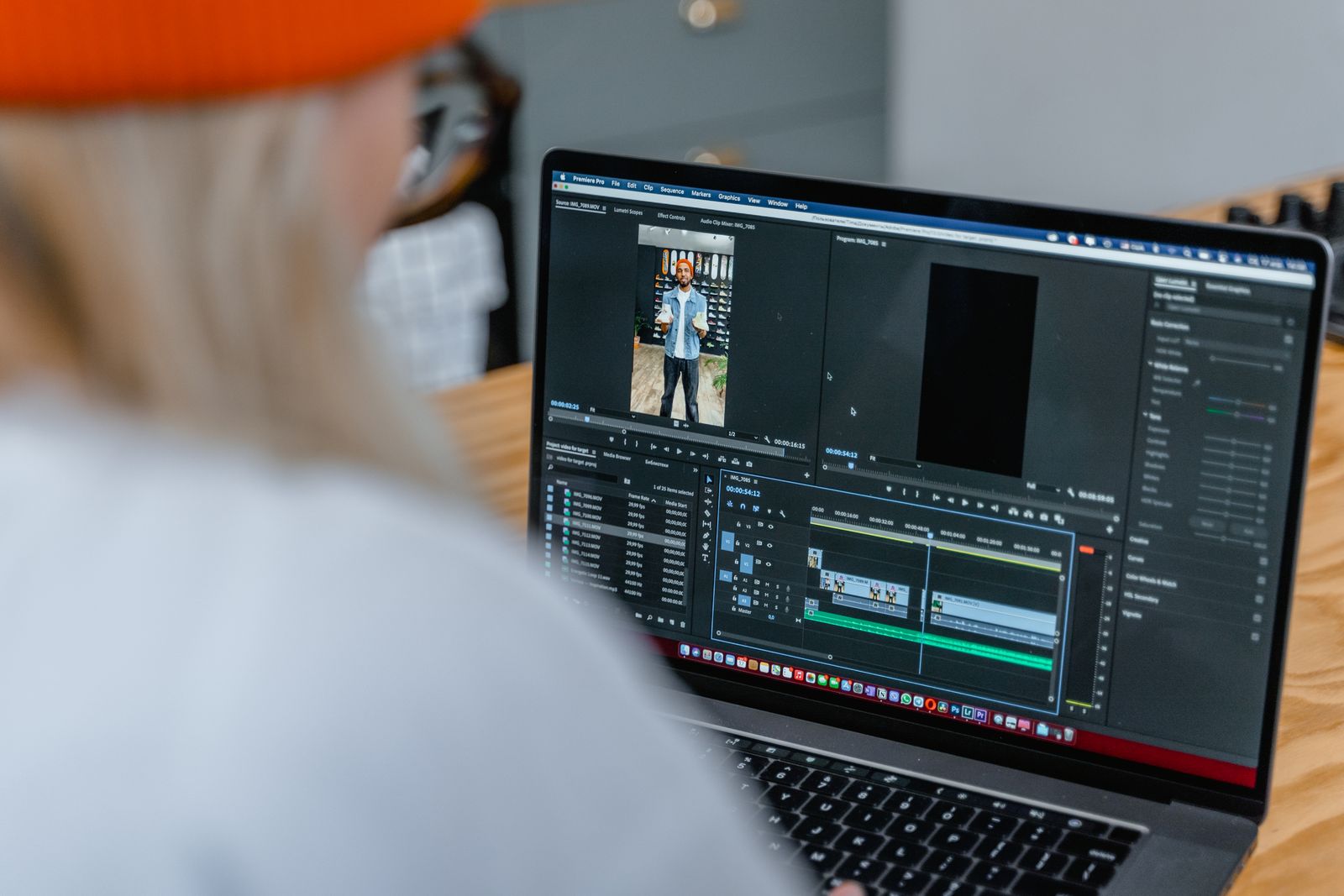
A close-up of an editing timeline on a laptop screen showing clips and audio tracks
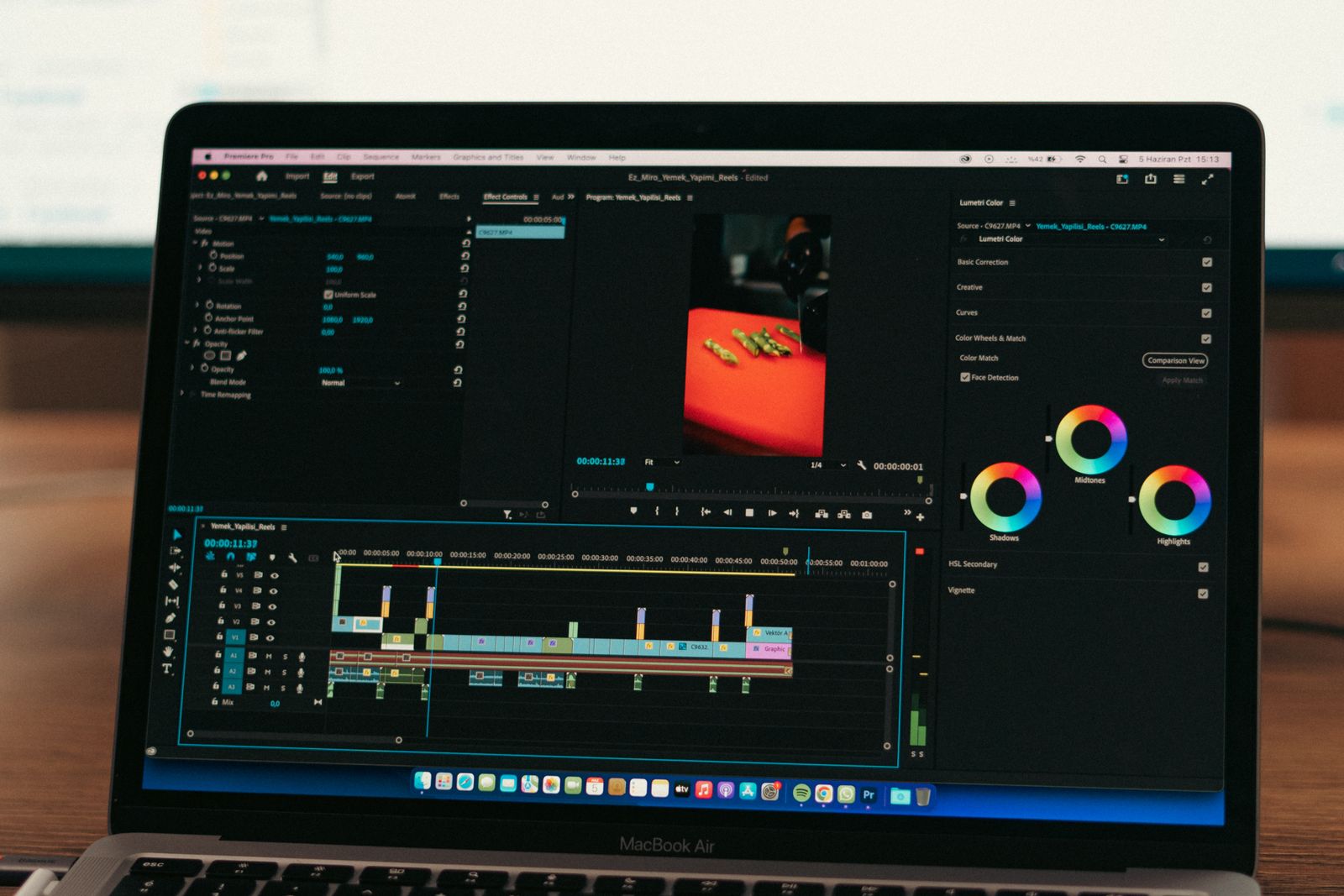
A laptop screen showing video editing software with clips laid out on the timeline
The ones that never say
Blackmagic. DaVinci Resolve is arguably the most local-by-architecture editor here. Blackmagic describes the Neural Engine as "fully optimized for Metal and Apple Silicon unified memory GPUs on a Mac, or OpenCL and CUDA on Windows and Linux" (Blackmagic). Metal, CUDA, and OpenCL are your graphics card. That is strong evidence, and it is still inference, not disclosure. Blackmagic never writes a sentence about internet connectivity for AI features either way.
Apple. Final Cut Pro's caption docs say "The Generate Captions feature requires a Mac with Apple silicon and is available in U.S. English only" and that "Final Cut Pro downloads the language model and then creates the captions. The download happens only once (an internet connection is required)" (Apple).
A local model plus an Apple silicon requirement plus a one-time download means it is almost certainly transcribing on your Mac. Apple still never says so. The company that markets on-device processing harder than anyone will tell you the download needs internet and leave the actual question unanswered.
Runway. I fetched the Gen-4 research page in full. There is no statement about cloud, servers, local, or on-device processing anywhere on it. Everyone knows Runway is cloud because it is a web app, not because Runway documents it. The most obviously cloud-dependent product in this comparison has the weakest explicit disclosure of the nine.
Kdenlive. This is the one that convinced me the problem is not corporate cynicism. Kdenlive is open source, free, and has no reason to hide anything. Its speech-to-text page cheerfully warns: "If the 9GB model has not yet been downloaded, it will be downloaded now. With a 100MB/s download speed this will take about 12 minutes!" (Kdenlive).
A 9GB local model download settles the question for anyone who thinks about it for a second. The manual still never states where processing happens. If the volunteer-run open-source project with no commercial incentive does not write the sentence, this is a documentation convention failure across the whole industry, not a conspiracy.
Line them up and the pattern is hard to miss. Three of nine disclose properly. Filmora hides it on a sales page, CapCut in troubleshooting. Descript disclosed through a staff comment on a feedback board. Apple discloses the download and not the processing. Adobe's disclosure is two years stale and contradicted by its own roadmap. Blackmagic, Runway, and Kdenlive say nothing.
Nobody is lying. There is just no convention that a feature page should state where the computation happens, the way a requirements page states how much RAM you need. Until there is, "does this work offline?" is a question you answer yourself.
How to answer it yourself in two minutes
You do not need documentation. You need airplane mode.
Import a short clip while still online. Let any first-run model download finish. Most local AI needs a one-time download, and testing before it completes gives you a false negative.
Go offline properly. Airplane mode, or pull the cable and turn off wifi. Not "a bad connection." Actually offline.
Run the feature. Transcribe. Remove a background. Reframe. Cut the silences.
Watch how it fails. This is the useful part. A local feature runs normally. A cloud feature usually hangs, spins, queues, or throws a network error. CapCut's own docs describe the tell: a "Thinking…" state that stalls when the connection drops.
Try the generation features last. Text to video, image generation, voice cloning. These will fail offline almost everywhere, and that is expected rather than scandalous. Somebody's GPU cluster is doing that work.
Check whether it re-checks. Some tools process locally but phone home for licence activation. Topaz documents that it needs internet for activation, but not how long you can stay offline before it asks again. Nobody does.
Two minutes per feature gives you a better map than any vendor page, including this one.
Where Cutroom fits
I build Cutroom, so weigh this accordingly.
It is a Windows video editor where the local part is the design, not a feature. The editor, the transcription (whisper.cpp, word-level timing), and the background removal (local ONNX matting) all run on your machine. There is no upload because there is no bucket to upload to. Your originals are never modified: it works from proxies and writes a new file at the end. You can connect Claude or Codex to it over MCP and ask for a vertical cut with captions, and the edit lands on a real timeline you can adjust by hand.
Now the part this whole post is about, because it would be hypocritical to write 1,500 words on disclosure and then wave my hands.
What runs on your machine: editing, transcription, background removal, reframing, colour, silence removal, export.
What does not, and cannot: if you connect an AI, that AI reads frames and audio, because that is how it checks its own work before exporting. Anything you ask it to generate (an image, a voice, a video clip) goes to the provider whose API key you brought. Your Claude subscription, your ElevenLabs key, your bill. None of it routes through us, and your source files stay where they are.
That is the honest boundary. Any local-first tool claiming that nothing ever leaves your machine while also offering a connected AI assistant is selling you a sentence it cannot keep. The useful distinction is not "nothing ever leaves." It is whether anything leaves without you asking, which is where CapCut's pre-upload behaviour and Cutroom's design genuinely differ.
One prerequisite worth knowing before you buy rather than after: connecting an AI needs Node.js installed. The editor itself works with no AI connected at all, and it is a one-time $99 licence rather than a subscription.
Cutroom is a Windows editor built so the footage stays on your disk: local transcription, local background removal, no upload, no per-export fee, and an honest list of the two things that do leave when you connect an AI. See how it works.
What I could not verify
Being straight about the holes, since that is the entire point of the post:
Adobe Generative Extend's cloud requirement. Search results attribute a sentence to Adobe's help pages saying an internet connection is required because it uses a cloud AI model. I could not fetch helpx.adobe.com, which timed out on roughly ten attempts across six locales. It is almost certainly cloud, given Firefly. I am not quoting a page I could not load.
Premiere's Auto Reframe and Scene Edit Detection. No vendor statement either way. Both predate the generative era and are probably local. Probably is not documentation.
Premiere's AI Object Mask. A trade publication reports that "Adobe says the new object selection models don't require cloud processing" (Digital Production). I could not find the Adobe primary behind that attribution.
Final Cut Pro's Magnetic Mask and Resolve's transcription and Speech Generation. No processing-location statement found for any of them.
CapCut's "cloud-enhanced Smart Cutout." The phrasing implies a local Smart Cutout also exists. CapCut never documents the difference.
Descript's and Runway's help centres. Both Zendesk properties returned 403. I used a fetched staff comment for Descript and made no quote-based claim for Runway.
One more, worth saying plainly. This post started from a claim that a competitor listicle had admitted most AI features rely on cloud inference and silently fail offline, and that vendors rarely disclose which ones. I went looking for that quote. It is not there. I read the article and its siblings and found only a generic local-versus-cloud framing. So I am not citing it. The claim here is mine, evidenced by the nine vendors above.
FAQ
Which AI video features work offline?
Broadly: transcription, background removal, silence removal, reframing, and colour, on tools that ship local models. Broadly not: text to video, image generation, voice cloning, and generative fill, which need a provider's servers almost everywhere.
Does Premiere Pro's AI work offline?
Partly, and Adobe's documentation will not settle it for you. Adobe stated in February 2024 that all Premiere AI features run on-device, then shipped Firefly-powered Generative Extend that October and never updated the claim. Assume generative features need a connection and test the rest yourself.
Is there a local AI video editor for Windows?
Yes. Topaz Video AI renders locally, Filmora processes locally on an RTX 30 series or better, Kdenlive runs Whisper models on your machine, and Resolve's Neural Engine runs on your GPU. Cutroom is the one I build, for Windows 10 and 11.
Does CapCut process video in the cloud?
Its generative AI features do, confirmed by CapCut's own support article, which refers to a streaming response from "the AI server." Its privacy policy separately states content may be pre-uploaded at the time of creation or import regardless of whether you save or publish.
Why do vendors not just say which features need internet?
There is no convention for it. Requirements pages state RAM, GPU, and OS, and stop. Even Kdenlive, an open-source project with nothing to gain from vagueness, never states where its speech-to-text runs. That reads like an industry habit rather than concealment.