If you want an AI agent to cut your video, about a dozen MCP servers will let it, and none of them is official. The Model Context Protocol's own reference repository has servers for Everything, Fetch, Filesystem, Git, Memory, Sequential Thinking and Time, and no video editor (modelcontextprotocol/servers). Every option below is someone's project, startup or paid product.
What a video editing MCP server actually is
MCP is an open standard for connecting AI applications to outside tools. A server exposes a set of tools, and your agent calls them. Anthropic donated the protocol to the Agentic AI Foundation under the Linux Foundation on December 9, 2025, and its announcement counted more than 10,000 active public MCP servers (Anthropic). Video is a small corner of that number.
For video, servers fall into two very different groups, and the split explains most of what follows.
Bridges drive an editor you already own through its scripting interface. Your agent is a remote control.
Editors are applications built so an AI can drive them. The server and the editor ship together.
Star counts, licences and last-push dates below come from the GitHub API on October 27, 2026. They move fast, so check the repository before you build anything on one.
The bridges: driving an editor you already own
DaVinci Resolve has the most servers
Resolve attracts MCP developers because Blackmagic ships a Python scripting API.
samuelgursky/davinci-resolve-mcp is the leader: 3,793 stars, MIT licence, last pushed October 23, 2026. Its README lists 37 compound tools by default and 390 granular ones, one per Resolve API method. A separate Node server with 18 tools edits , and project files with no Resolve running, which is a different capability from the live bridge.
Written by
The Delivvo team
Delivvo runs the client cycle for service businesses: inquiry, quote, contract, deposit and delivery. Payments go straight to your own account.
Descript, CapCut and Premiere Pro solve different jobs. This post compares what each is for, its 2026 price, the CapCut price jump and terms question, and how to hand finished video to a client.
Moxie is the cheapest, HoneyBook is the quickest to set up and takes a cut of card payments, and Dubsado is the automation tool with no transaction fee of its own. This post compares prices, payment fees, setup time and who each one suits.
There is no single best AI video editor, because these tools do different jobs. This post compares seven on current pricing pages, explains why the AI billing model matters more than the sticker price, and shows how to pick by the work you actually do.
8 min read
Your inquiry link is free.
Free plan. No card needed.
Blog
Guides for service businesses, from the first inquiry to the final payment. Written by the team behind Delivvo.
barckley75/resolve-claude-mcp has 388 stars and an MIT licence, and was last pushed May 14, 2026. A third, hiteshK03's server, has 148 stars and was last pushed in March 2026.
The catch is in the fine print. samuelgursky's README says Blackmagic gates external scripting to Studio, the paid edition, and describes an in-app workaround for the free edition as a path that is not guaranteed to survive new releases. Plan on Resolve Studio if you want this to work reliably.
After Effects works, Premiere Pro barely exists
Dakkshin/after-effects-mcp has 804 stars and an MIT licence, and drives After Effects through a bridge panel inside the app. It was last pushed April 1, 2026.
Premiere Pro, the most widely used professional editor, has one public MCP server I could find: nepfaff/premiere-pro-mcp, with 5 stars, no licence shown, and a last push on February 10, 2026. Its design is unusual. It exposes a single execute-script tool, and the model writes JavaScript for Premiere's UXP API on the fly. A plugin inside Premiere polls a folder, runs the code and writes the result back.
That design hands a model full control of the application with no tool-level limits, which is powerful and also exactly why you should keep project backups.
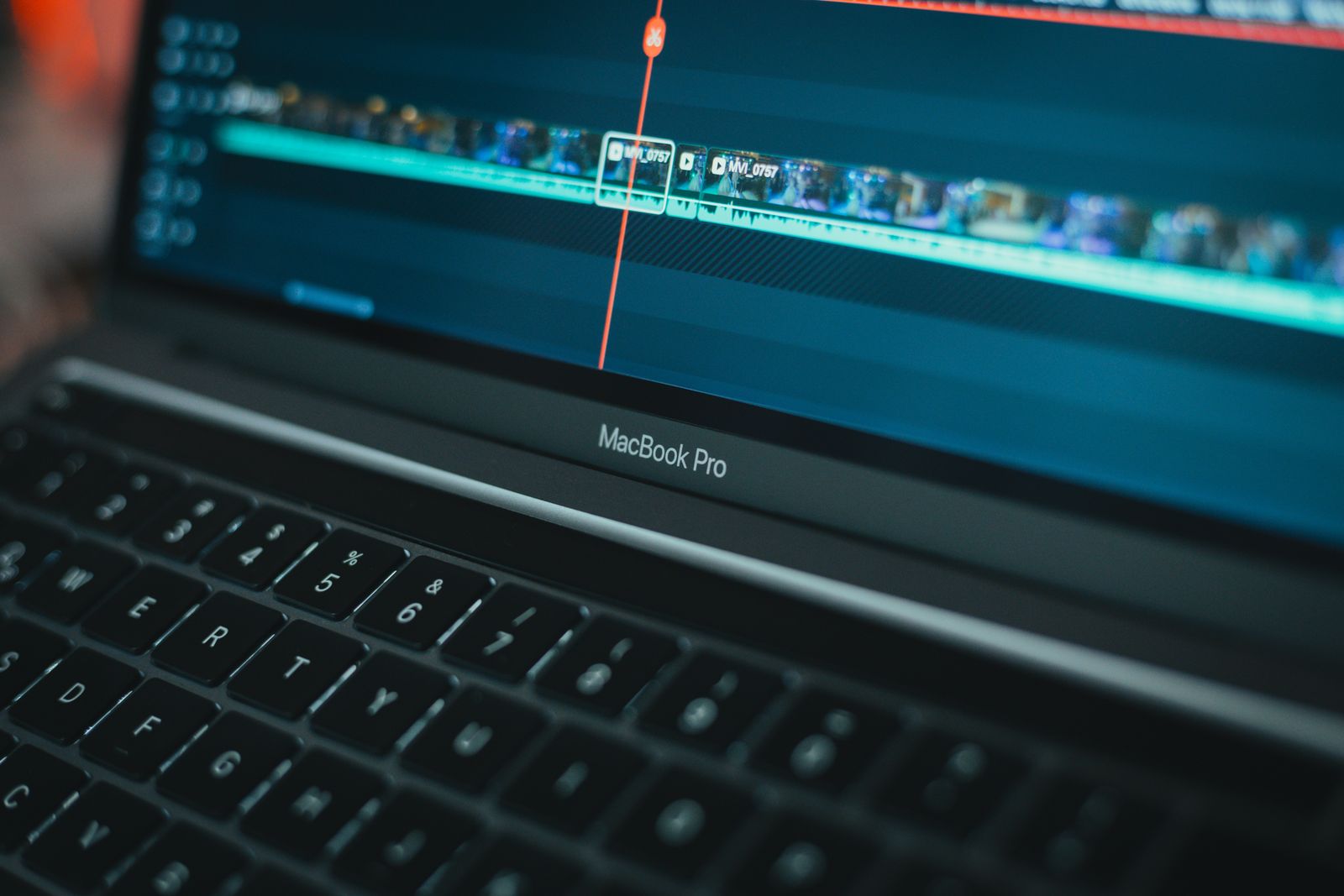
A close-up of an editing timeline with audio waveforms on a laptop screen
The editors: the AI is the point
Palmier Pro is the loudest project here. It has 14,639 stars, and when the app is open it runs an HTTP MCP server at 127.0.0.1:19789/mcp. It includes generative AI for video and images using models such as Seedance, Kling and Nano Banana Pro.
Two things to know before you get excited. It requires macOS 26 (Tahoe) or later on Apple Silicon, with nothing for Windows, Linux or Intel Macs. And the licensing changed: the repository says releases through v0.7.6 are GPLv3, later binary releases are proprietary, and it no longer accepts code contributions. If you read an older write-up that calls it fully open source, that is out of date.
Search, hosted and headless tools
Jumper searches instead of editing
Jumper does not cut footage. It indexes it and hands the agent the right clips. Its docs say it runs a local server on your machine, with visual search, transcription and face recognition done locally, and that the agent receives metadata only: file paths, timecodes and transcript excerpts. It reads timelines from Premiere Pro, DaVinci Resolve and Avid Media Composer, and can export a sequence for Final Cut Pro (Jumper docs).
It is commercial and closed source. The docs include a warning worth reading before you buy: Claude Cowork does not reliably pick up the integration, so use Claude Code or the CLI.
reap runs in the cloud
reap is a short-form repurposing service with a hosted MCP endpoint and 30 tools covering clipping, captions, transcription, reframing, dubbing, publishing and scheduling. It says there is no local server and one URL to connect. The page says the endpoint is free to connect, video processing uses plan credits, the free plan includes one hour of processing, and paid plans start at $9.99 a month.
Hosted means your footage goes to their servers. For a public marketing clip that is a fine trade. For anything under an NDA, it is a decision to make deliberately.
Video Jungle has 295 stars, needs an API key, and has no licence file, which means all rights reserved by default. It was last pushed October 9, 2025.
The FFmpeg wrappers
If you do not need a GUI, FFmpeg wrappers are the headless route, and most of them are abandoned.
KyaniteLabs/kinocut is the active one: 223 stars, Apache-2.0, pushed on the morning of this check. The README lists 203 MCP tools in the published release and 177 CLI commands, says no account or API key is required for the core features, and says media is not uploaded to a Kinocut cloud. It also warns that local execution does not mean zero data leaves your machine, because prompts and tool results can reach your agent's model provider. FFmpeg must be on your PATH. The project used to be called mcp-video, so older write-ups with smaller tool counts are out of date.
video-creator/ffmpeg-mcp has 153 stars and an MIT licence, last pushed May 20, 2026. Beyond these two, the long tail is large and stale.
Five things the roundup shows
Tool count does not predict adoption
Servers range from 15 tools to several hundred. A large tool surface on a repository nobody has touched in months is a README, not a product. Judge a server by its last-push date and open issues.
Many of these projects are stale
Active as of this check: samuelgursky, kinocut and Palmier. Quiet for about five months or more: Video Jungle, barckley75, the Premiere server, and most FFmpeg wrappers. Check pushed_at first.
Free usually is not
Resolve needs a paid Studio licence for reliable scripting. reap bills processing credits. Video Jungle needs an API key. The free-to-run options are kinocut, if you are comfortable in a terminal, and the open source versions of Palmier, if you own the right Mac.
Licences are often missing
Video Jungle and the Premiere server show no licence, and no licence means all rights reserved. If you plan to use the code in client work, that matters.
Safety is mostly left to you
These tools give a model file-level power over projects. barckley75's README says it plainly: AI agents can make mistakes and may modify, overwrite or delete projects, timelines, clips and files on disk. Keep backups, work on copies, and prefer servers that check their own output before they render.
A laptop on a wooden desk running editing software
What I could not verify
This is a documentation review. I read repositories, docs and pricing pages and checked stars, licences and push dates against the GitHub API on October 27, 2026. I did not run every tool.
Palmier Pro's current tool count and pricing are not on the repository page.
Jumper's price is not stated in the docs I read.
The Resolve free-edition workaround may not work on newer Resolve versions, and I did not test it.
One naming trap: reap is not REAPER. reap.video is video repurposing. REAPER is an audio workstation with its own MCP servers that have nothing to do with video.
How Delivvo fits around an AI-driven edit
An agent can cut the video, but you still have to win the job, agree the scope, deliver big files and get paid. Delivvo covers that side, and its Cutroom editor covers the cutting.
Cutroom is Delivvo's AI video editor. It runs on your own computer, your files stay on the machine, and it costs $99 once with no subscription. It also works as a normal editor with no AI connected. If you want an agent to drive an editor and you do not want footage uploaded anywhere, that is the angle it covers. The Cutroom page lists what it does.
The business around the edit works like this:
A client fills in your inquiry form. The inquiry lands on your lead board.
You send a quote built from your packages and add-ons. The client signs the contract and pays the deposit in one visit.
You upload the cut to the client portal. Your files can be up to 50 GB each on Pro and up, and uploads are resumable, so a dropped connection does not restart a long upload.
The client gets in with a one-time code, no password, and approves or asks for changes in the same place.
The balance invoice goes out, and the client pays through your own gateway. Delivvo takes 0%.
No. The official reference servers cover general tasks such as files, Git and memory. Every video MCP server is third party.
Can I use an MCP server with free DaVinci Resolve?
Not reliably. The most adopted Resolve server says Blackmagic gates external scripting to Studio, and the free-edition workaround may not survive new releases.
Is there a good Premiere Pro MCP server?
Not yet. The one public server has 5 stars, no licence shown and one burst of commits in February 2026.
Do these tools upload my footage?
It depends. Jumper and kinocut process media locally. reap is hosted by design. Any agent you connect will still read frames or metadata, and anything you generate goes to that provider.
Which one should I use?
On an Apple Silicon Mac with macOS 26, try Palmier. If you work in a terminal, try kinocut. If you own Resolve Studio, use samuelgursky's server. To search a big archive across Premiere, Resolve and Avid, look at Jumper.
Delivvo runs the whole client cycle for service businesses, from the first inquiry to the quote, contract, deposit, invoice and delivery, so video editors using AI tools can focus on the cut while the paperwork and file delivery run themselves. Clients pay you directly through your own gateway, and Delivvo takes 0%. Start free